
Signature dishes first
The page opens with the dishes you mark as signature, in large photos.
Modules QR Premium
QR Premium
A premium ordering page for those who want the guest's phone to show the dishes the way they are served.
Edited from real screenshots of the app.
What it does
The page opens with the dishes you mark as signature, in large photos.
Guests see the dishes they chose on the table before they send them.
For each dish you set the drink or dish that goes with it, suggested with one tap.
With the AI assistant module, guests ask and their order is checked before it leaves.
Nothing changes for your team: the order arrives like any QR order.
Getting started
For the dishes you want up front.
On each dish's card.
In the store's settings.
Screens
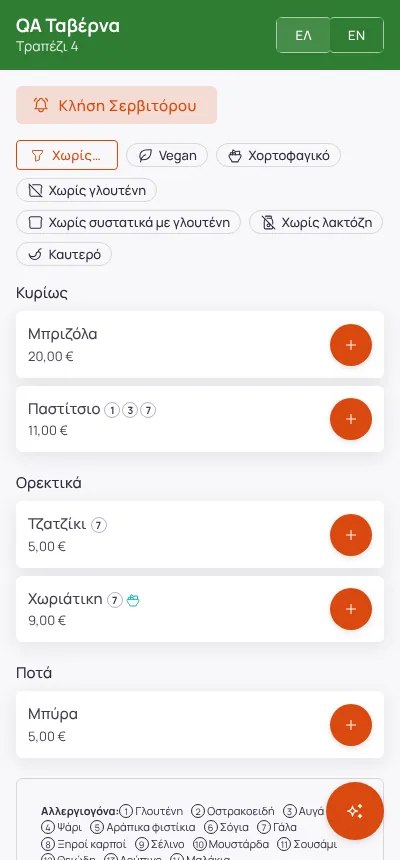
Screenshots from a demo store.
Frequently asked
They help, but are not required. The AI photo check tells you what to improve.
Yes, whenever you like, from the settings.
Enter your menu (or take a photo of your printed price list) and run a real day on Paso. 14 days free.