
A QR per table
Paso creates the code of each table and you print it. If needed, you rotate the code and the old one stops working.
Modules QR menu & ordering
QR menu & ordering
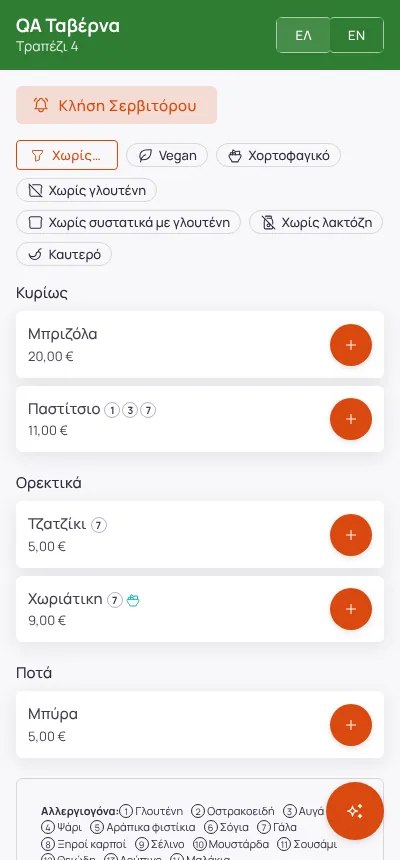
Every table and every sunbed has its own QR. The guest scans it, sees the menu in their language and orders, with no app and no account.
Edited from real screenshots of the app.
What it does
Paso creates the code of each table and you print it. If needed, you rotate the code and the old one stops working.
QR orders wait for a waiter to confirm them, or go straight to the stations if you choose so. On the floor plan the waiting table stands out and a sound plays.
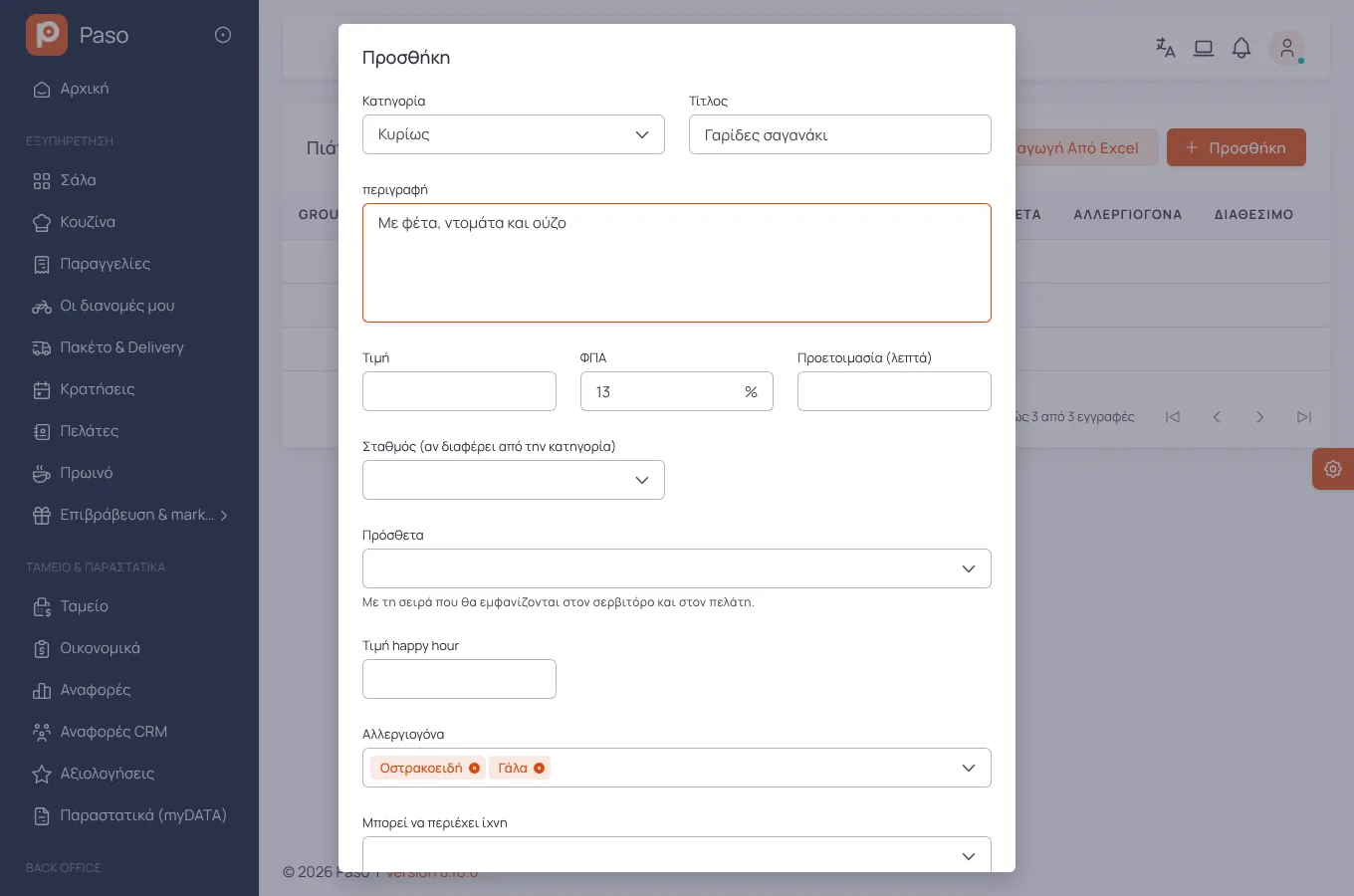
The 14 regulated allergens, "may contain traces", labels such as vegan or gluten-free. Guests filter the menu by what they avoid.
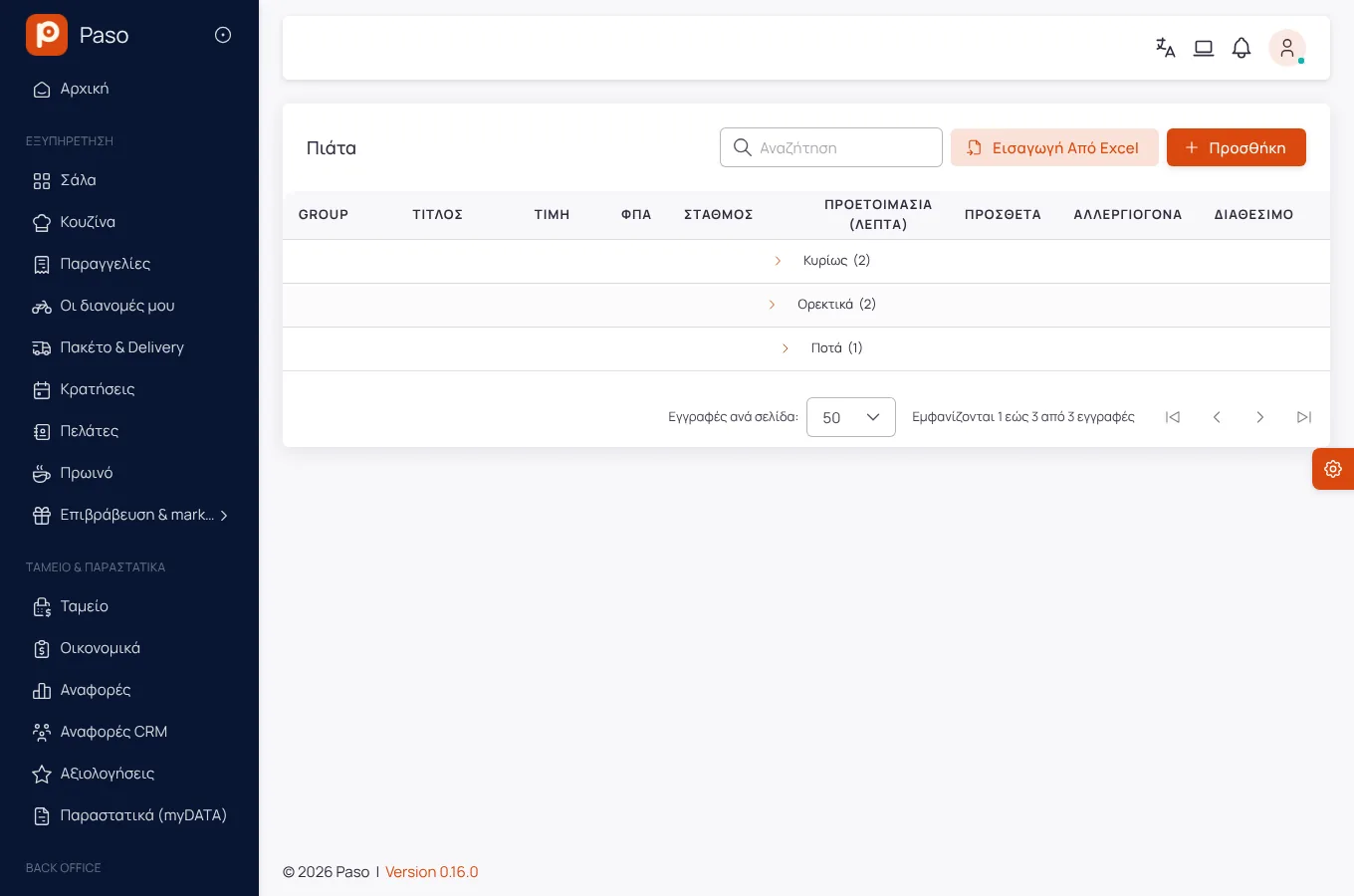
The menu in as many languages as you want. Enter translations on screen or with a CSV file.
Guests call the waiter or ask for the bill, saying whether they pay by cash or card. The call also reaches the staff as a phone notification.
One QR for a whole zone: guests pick their set number and call or order from the sunbed.
Getting started
From the Tables page, one per seat.
They choose dishes and options and send.
Or the order goes to the kitchen by itself, if you set it so.
Screens
Screenshots from a demo store.
Frequently asked
No. The menu opens in the phone's browser.
The code belongs to the table. If you worry about misuse, keep the waiter confirmation and rotate the code whenever you like.
Enter your menu (or take a photo of your printed price list) and run a real day on Paso. 14 days free.