
Pay at the table
The guest scans, sees the bill and pays without waiting for a terminal.
Modules Online payments
Online payments
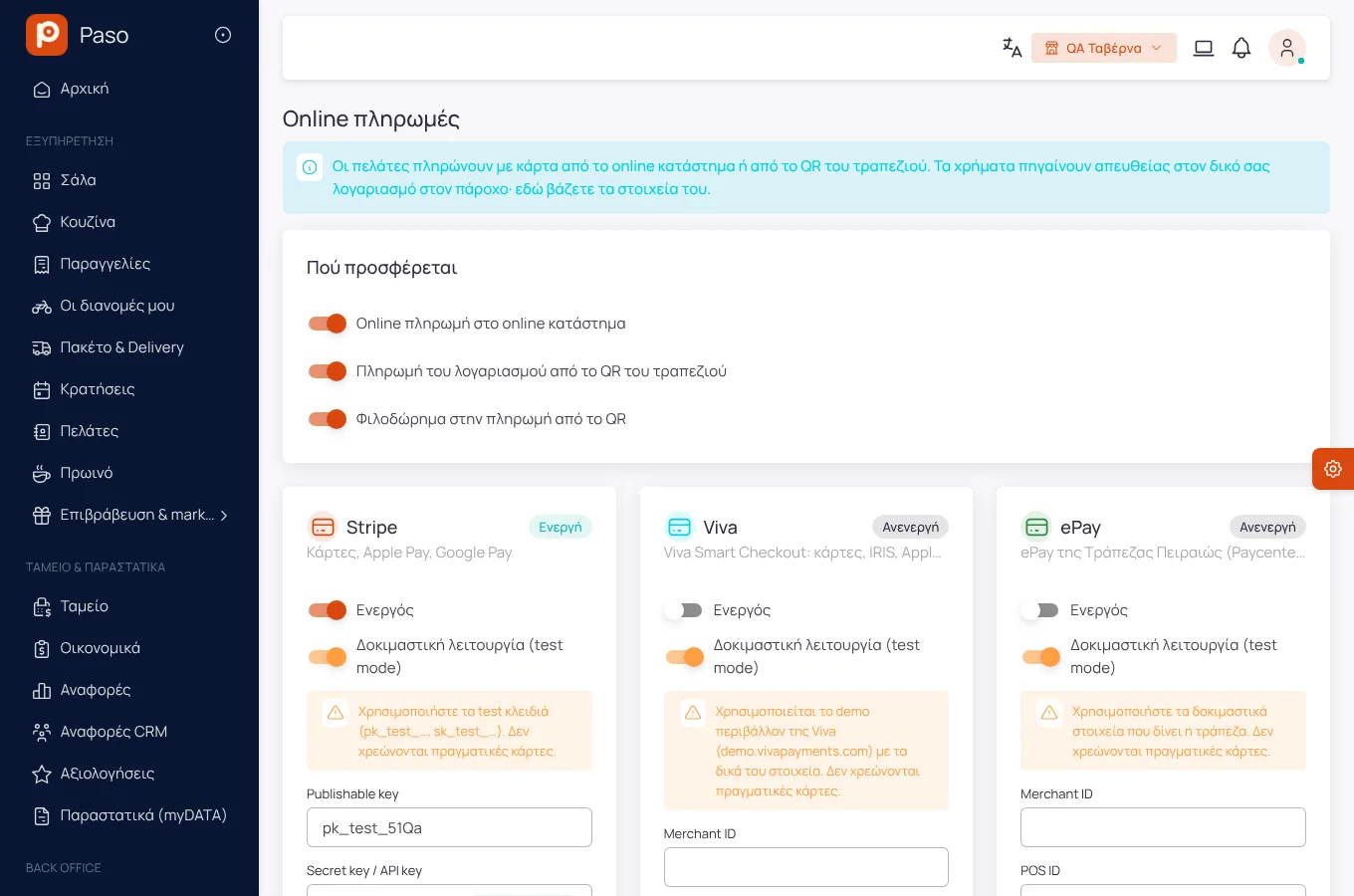
Card payment on the online shop and "pay at the table" from the QR page, through your own Stripe, Viva or ePay account.
Edited from real screenshots of the app.
What it does
The guest scans, sees the bill and pays without waiting for a terminal.
The party splits the bill and adds a tip, if you allow it.
The order reaches the store only after the payment is confirmed.
The money goes straight to your own account. Paso is not in between.
Whatever was left halfway is checked again and, if not completed, expires by itself.
Getting started
With your account's keys.
Shop, table, tips.
All online payments in one list.
Screens
Screenshots from a demo store.
Frequently asked
No. Your provider's fees apply.
Yes, when the bill closes, as with every payment.
Enter your menu (or take a photo of your printed price list) and run a real day on Paso. 14 days free.