
Central menu
Change a dish or a price once and it reaches every store.
Modules Branches
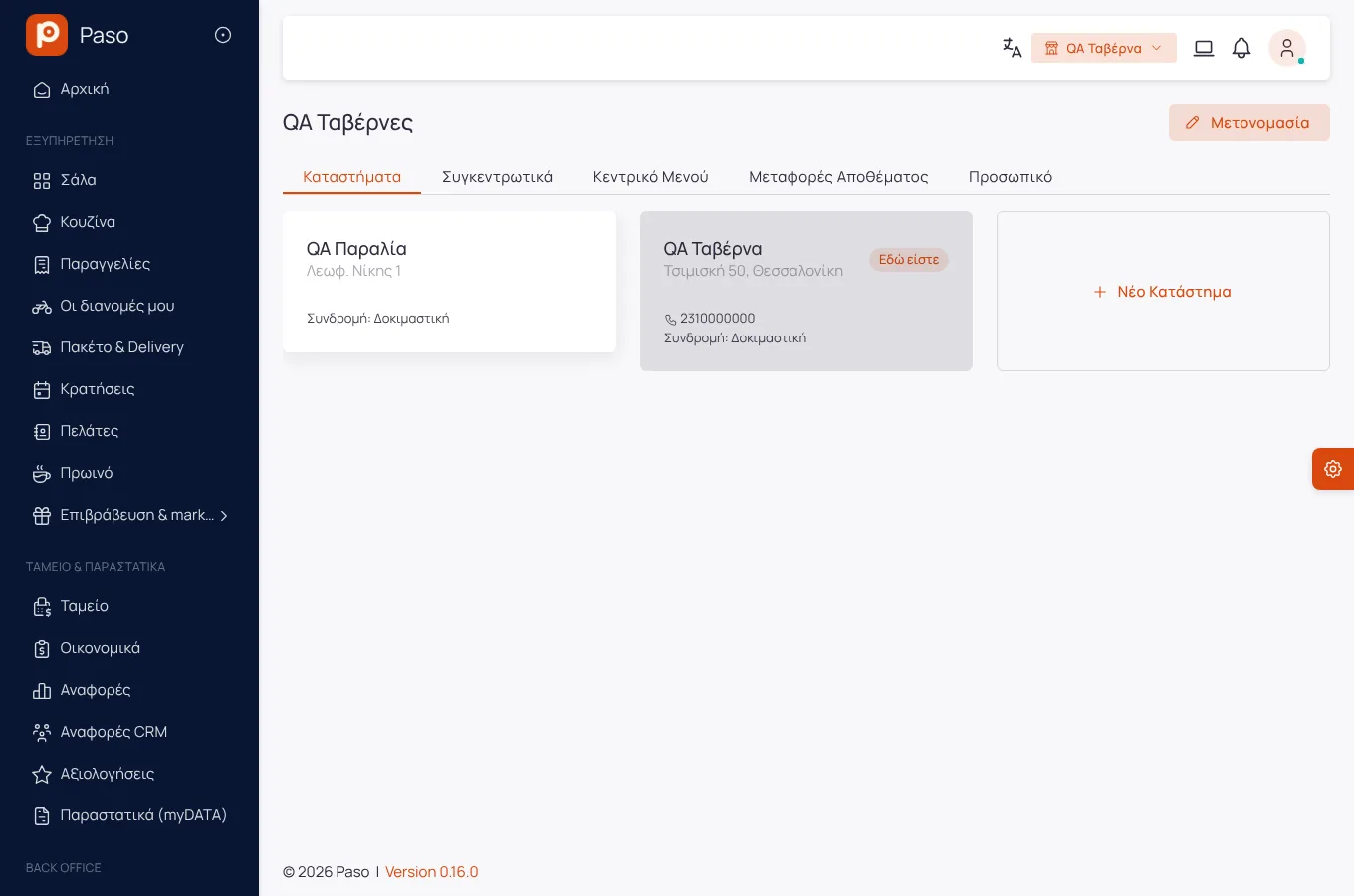
Branches
From Advanced up, branches share the menu and reports, and each keeps its own till, stock and team.
Edited from real screenshots of the app.
What it does
Change a dish or a price once and it reaches every store.
Sales and key numbers of all stores side by side.
Send ingredients from one store to another, with cost and history.
The owner moves from one store to another without logging in again.
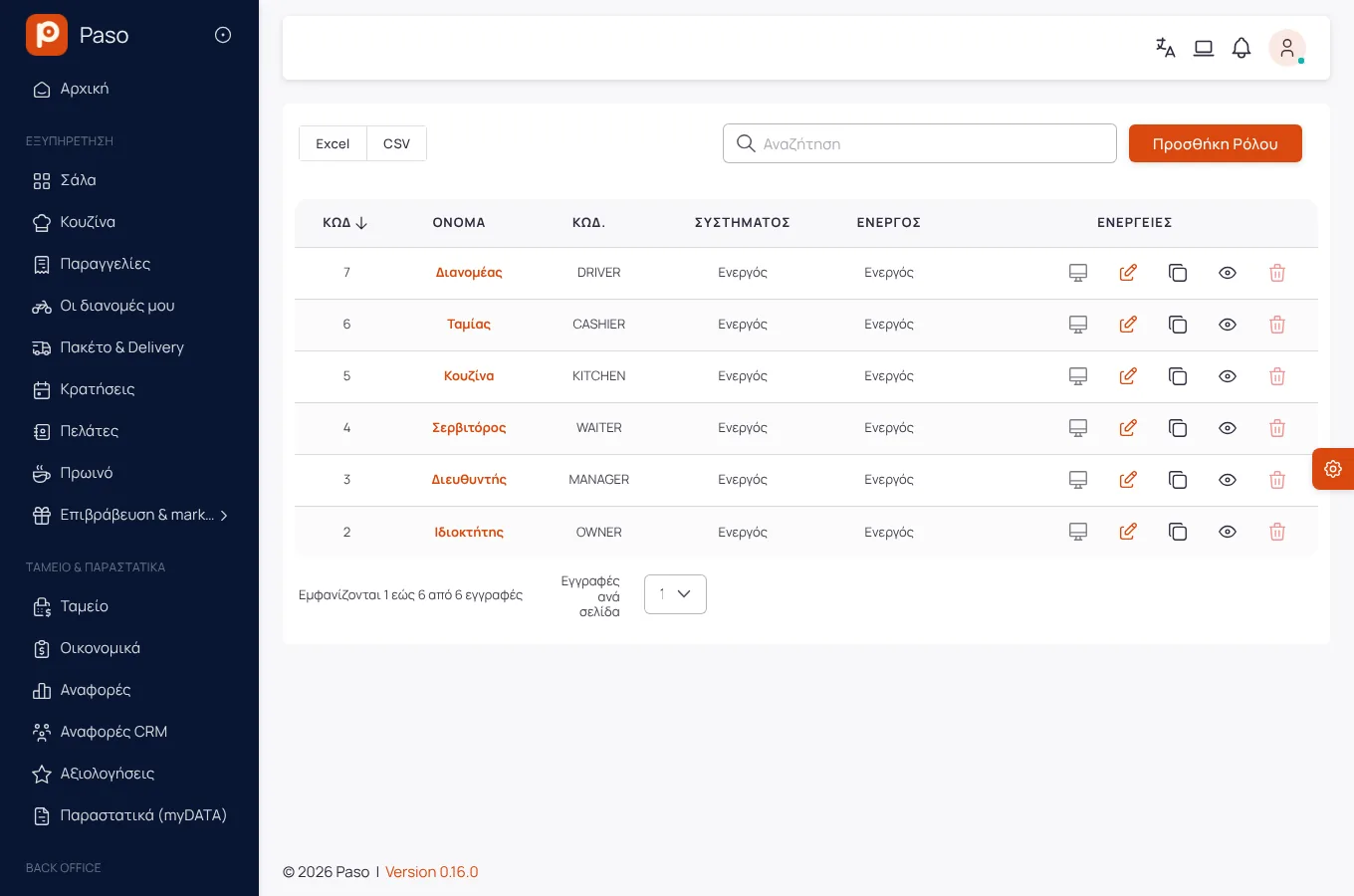
A manager sees their own store, the owner sees all.
Getting started
From within your subscription.
From the central one.
On one screen.
Screens
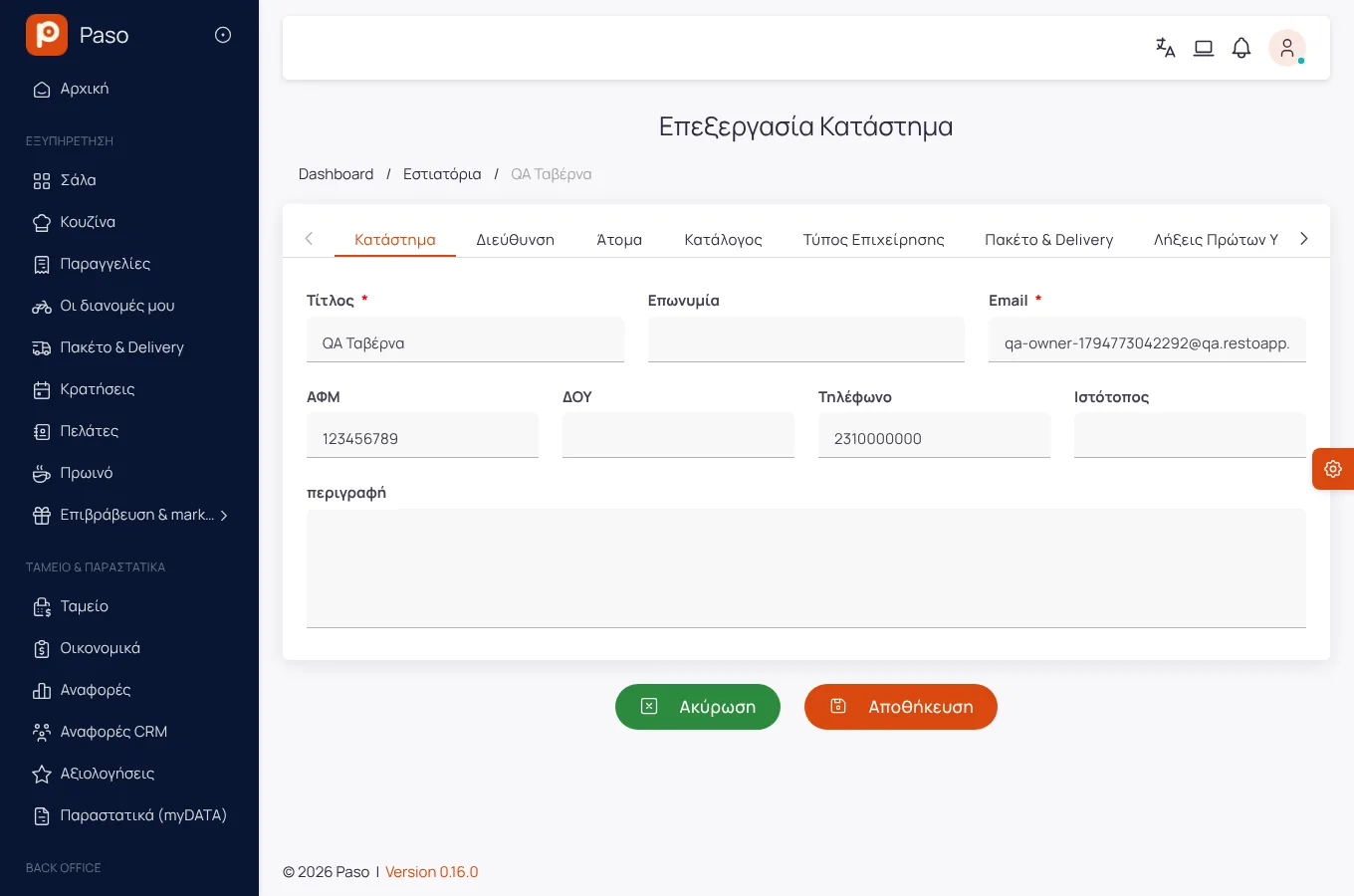
Screenshots from a demo store.
Frequently asked
Up to 3 on Advanced and up to 10 on Premium. For more, Enterprise.
Yes, each installation issues with its own branch number and series.
Enter your menu (or take a photo of your printed price list) and run a real day on Paso. 14 days free.