
Entry by scanning
Upload a photo or PDF and the lines, amounts and supplier are filled in as a draft. You check and save.
Modules Expenses
Expenses
The store's expenses in one place: supplier invoices, bills, receipts, each with its file attached.
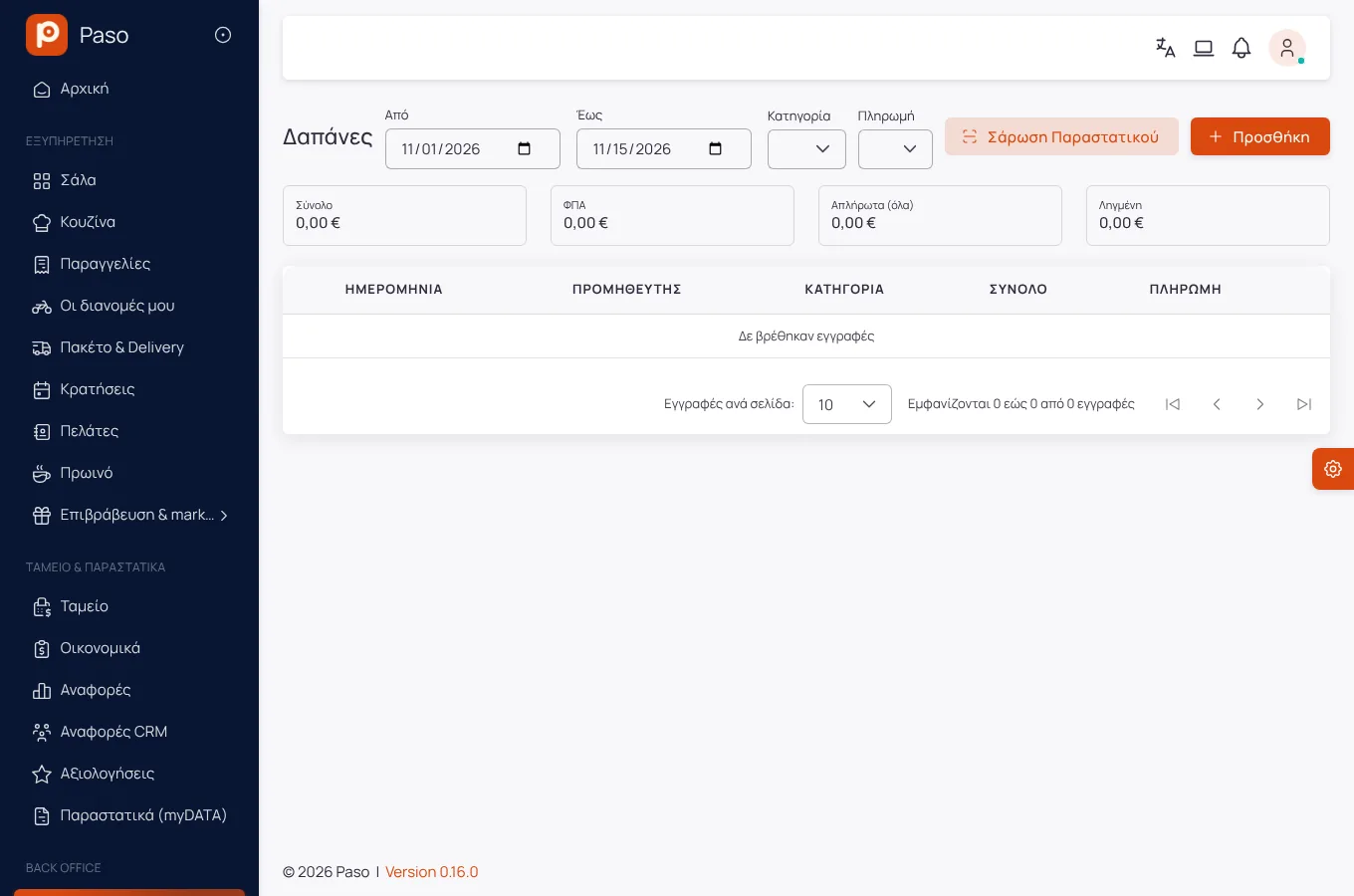
A screenshot of the app, from a demo store.
What it does
Upload a photo or PDF and the lines, amounts and supplier are filled in as a draft. You check and save.
Lines that match stock items are received with one tap, at the document's price.
An expense paid in cash is recorded as a movement of the shift's till.
See what you owe and to whom.
Expenses enter the period's result next to revenue and cost of goods.
Getting started
The invoice or the bill.
Correct whatever was not read properly.
And receive into stock, if needed.
Screens
Screenshots from a demo store.
Frequently asked
It reads printed documents. What cannot be read is left empty for you to fill in; the file is stored either way.
No. It gives you a clear picture of expenses and organised documents to hand over.
Enter your menu (or take a photo of your printed price list) and run a real day on Paso. 14 days free.